🇬🇧 Frigate on Mac Mini M4
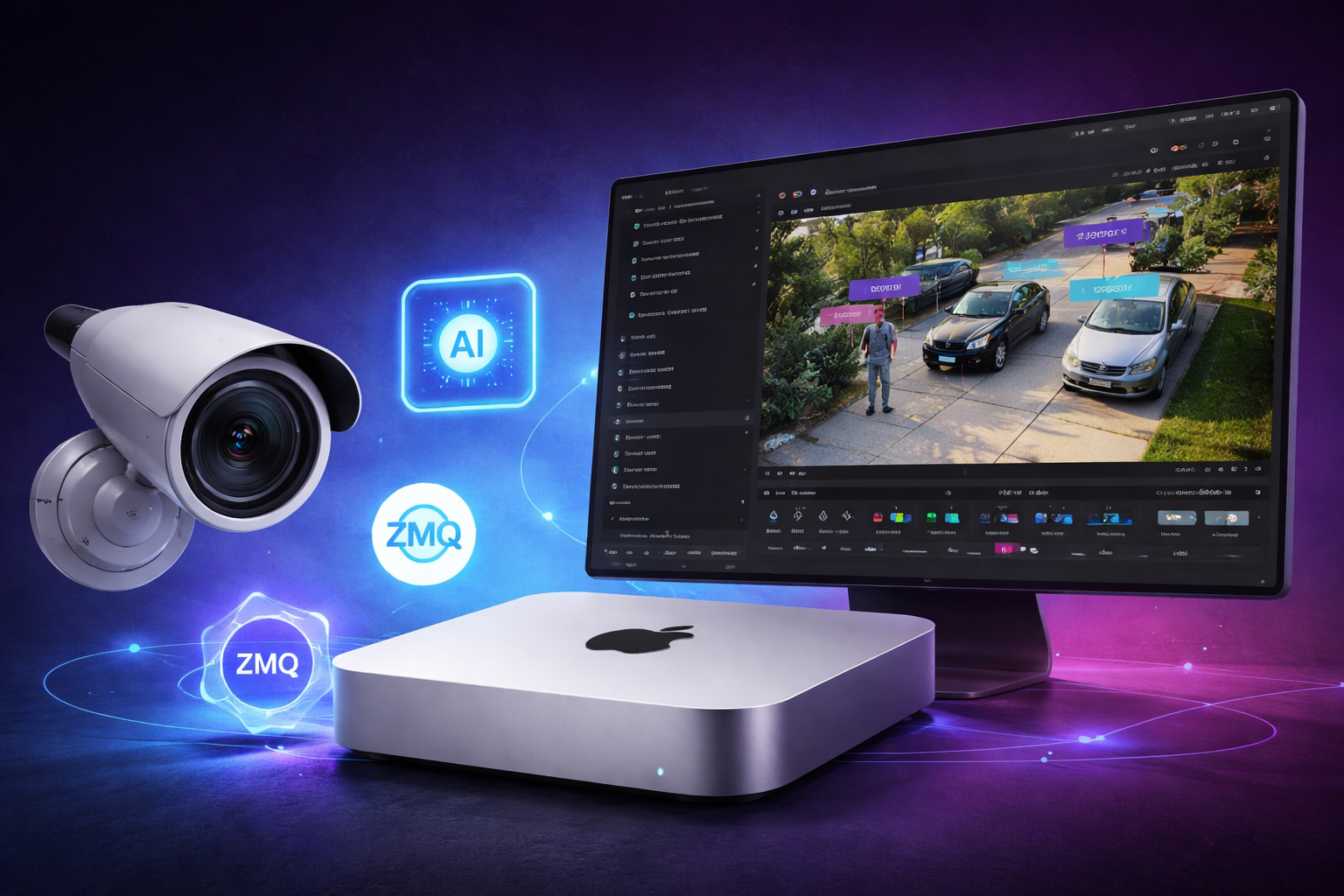
Frigate is an open-source NVR (Network Video Recorder) designed for real-time object detection. Unlike traditional CCTV systems that record everything or rely on basic motion detection, Frigate uses AI to:
- detect people, cars, and other objects
- reduce false positives (trees, shadows, rain)
- record only meaningful events
- integrate with home automation platforms
Originally, Frigate was optimized for Linux systems with hardware accelerators like GPUs or dedicated AI chips. But with the rise of Apple Silicon (M1–M4), there’s now a new option:
Use the Apple Neural Engine via the Apple Silicon Detector
This makes running Frigate on macOS not only possible — but surprisingly powerful.
Why Apple Silicon Works Well
Apple M-series chips (including M4) include:
- fast multi-core CPU
- efficient GPU
- Neural Engine (NPU)
Frigate itself cannot directly use the Neural Engine from inside a container. Instead, it connects to a host-side detector service using ZeroMQ (ZMQ).
This gives you:
- fast inference (much faster than CPU)
- low power usage
- no need for external hardware
Architecture Overview
1
2
3
4
5
Mac Mini (host)
   ├── Apple Silicon Detector (port 5555)
   └── Podman machine (VM)
        └── Frigate container
             └── connects via ZMQ → host.containers.internal:5555
Key idea: Frigate runs in a container, but AI runs natively on macOS.
Prerequisites
- Mac Mini M4 (or any Apple Silicon Mac)
- Podman installed (
podman machine) - Python 3.11
- IP cameras (e.g. Reolink)
Install Apple Silicon Detector
1
2
3
git clone https://github.com/frigate-nvr/apple-silicon-detector
cd apple-silicon-detector
make install
You could use app for that, but for now three’s an issue reported, that app requires Rosetta to be installed, so I preferred to use script.
Run Detector in Background
Quick method
1
nohup make run > detector.log 2>&1 &
Recommended: run as macOS service
Create:
1
nano ~/Library/LaunchAgents/com.frigate.detector.plist
1
2
3
4
5
6
7
8
9
10
11
12
13
14
15
16
17
18
19
20
21
22
23
24
25
26
27
28
29
30
<?xml version="1.0" encoding="UTF-8"?>
<!DOCTYPE plist PUBLIC "-//Apple//DTD PLIST 1.0//EN">
<plist version="1.0">
<dict>
  <key>Label</key>
  <string>com.frigate.detector</string>

  <key>WorkingDirectory</key>
  <string>/Users/YOUR_USER/Development/apple-silicon-detector</string>

  <key>ProgramArguments</key>
  <array>
    <string>/bin/zsh</string>
    <string>-lc</string>
    <string>make run</string>
  </array>

  <key>RunAtLoad</key>
  <true/>

  <key>KeepAlive</key>
  <true/>

  <key>StandardOutPath</key>
  <string>/tmp/frigate-detector.log</string>

  <key>StandardErrorPath</key>
  <string>/tmp/frigate-detector.err</string>
</dict>
</plist>
Then:
1
2
launchctl bootstrap gui/$(id -u) ~/Library/LaunchAgents/com.frigate.detector.plist
launchctl kickstart -k gui/$(id -u)/com.frigate.detector
Verify Detector
1
lsof -i :5555
Podman Compose Setup
1
2
3
4
5
6
7
8
9
10
11
12
13
14
15
16
17
18
services:
  frigate:
    container_name: frigate
    image: ghcr.io/blakeblackshear/frigate:stable-standard-arm64
    restart: unless-stopped
    shm_size: "512m"

    volumes:
      - ./config:/config
      - ./media:/media/frigate

    ports:
      - "8971:8971"
      - "8554:8554"

    environment:
      TZ: Europe/Warsaw
      FRIGATE_RTSP_PASSWORD: "password"
Frigate Configuration
1
2
3
4
5
6
7
8
9
10
11
12
13
detectors:
  apple-silicon:
    type: zmq
    endpoint: tcp://host.containers.internal:5555

model:
  model_type: yolo-generic
  width: 640
  height: 640
  input_tensor: nchw
  input_dtype: float
  path: /config/model_cache/yolo.onnx
  labelmap_path: /config/model_cache/coco-80.txt
Download YOLO Model
1
2
3
4
5
6
7
8
mkdir -p ./config/model_cache
cd ./config/model_cache

curl -L -o yolo.onnx \
https://github.com/ultralytics/yolov5/releases/download/v7.0/yolov5n.onnx

curl -L -o coco-80.txt \
https://raw.githubusercontent.com/pjreddie/darknet/master/data/coco.names
Camera Example
1
2
3
4
5
6
7
8
9
10
11
12
cameras:
  reolink_ogrodek:
    ffmpeg:
      inputs:
        - path: rtsp://USER:PASS@IP:554/h264Preview_01_main
          roles: [record]
        - path: rtsp://USER:PASS@IP:554/h264Preview_01_sub
          roles: [detect]
    detect:
      width: 640
      height: 480
      fps: 2
Record Only Important Events
1
2
3
4
5
6
7
8
9
10
11
12
record:
  enabled: true
  alerts:
    retain:
      days: 1
      mode: active_objects
  detections:
    retain:
      days: 1
      mode: active_objects
  continuous:
    days: 0
Only saves video when real objects are detected
Start Frigate
1
podman-compose up -d
Performance
On Mac Mini M4:
- Apple detector = very fast
- low CPU usage
- easily handles multiple cameras
Common Pitfalls
- Use
host.containers.internal, nothost.docker.internal - Make sure detector is running before starting Frigate
- YOLO requires 640x640 model input
- Camera streams should be H.264, not H.265
Fell free to comment and make a suggestions!